

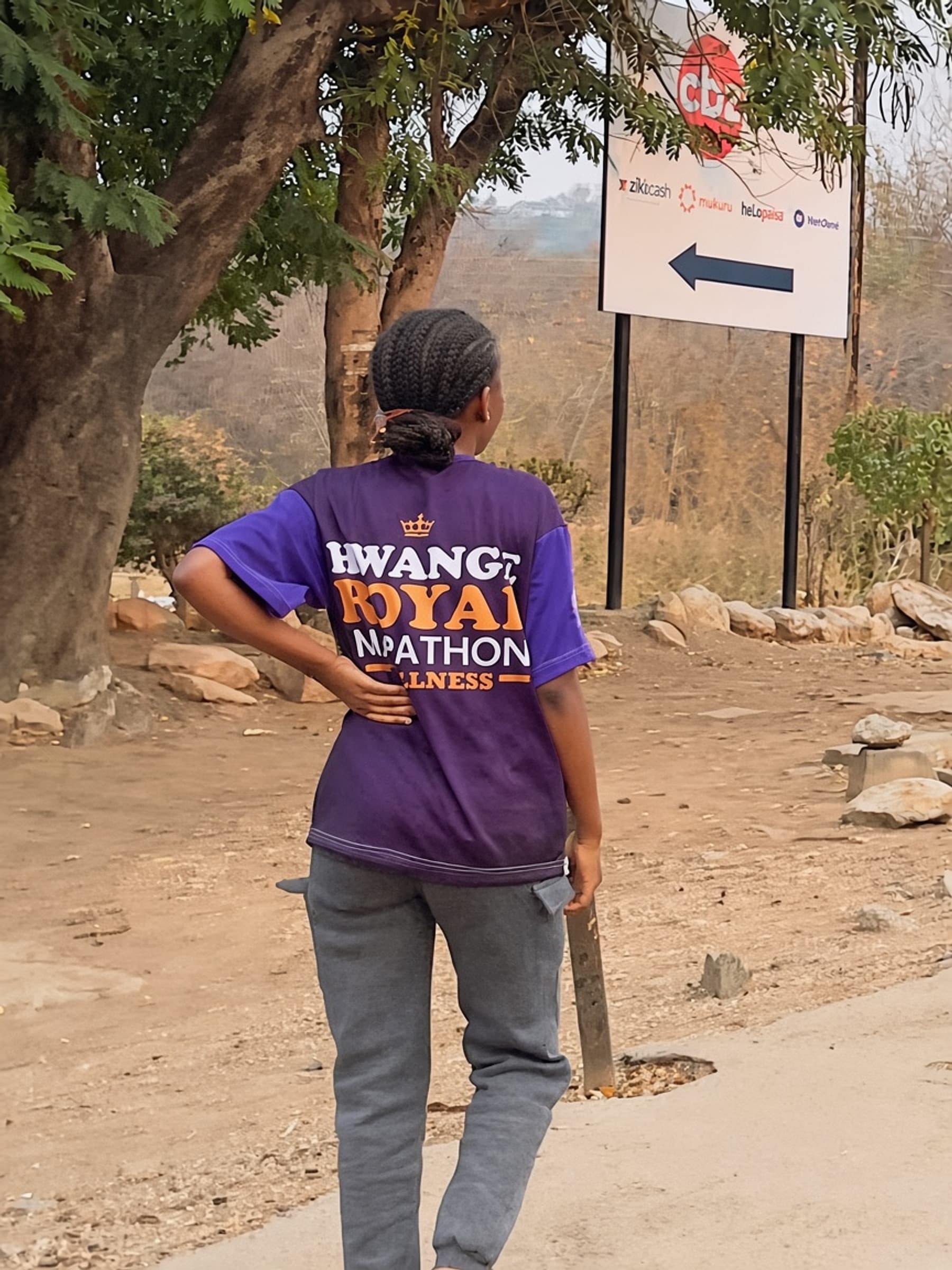
5KM
$10
5KM Fun Run
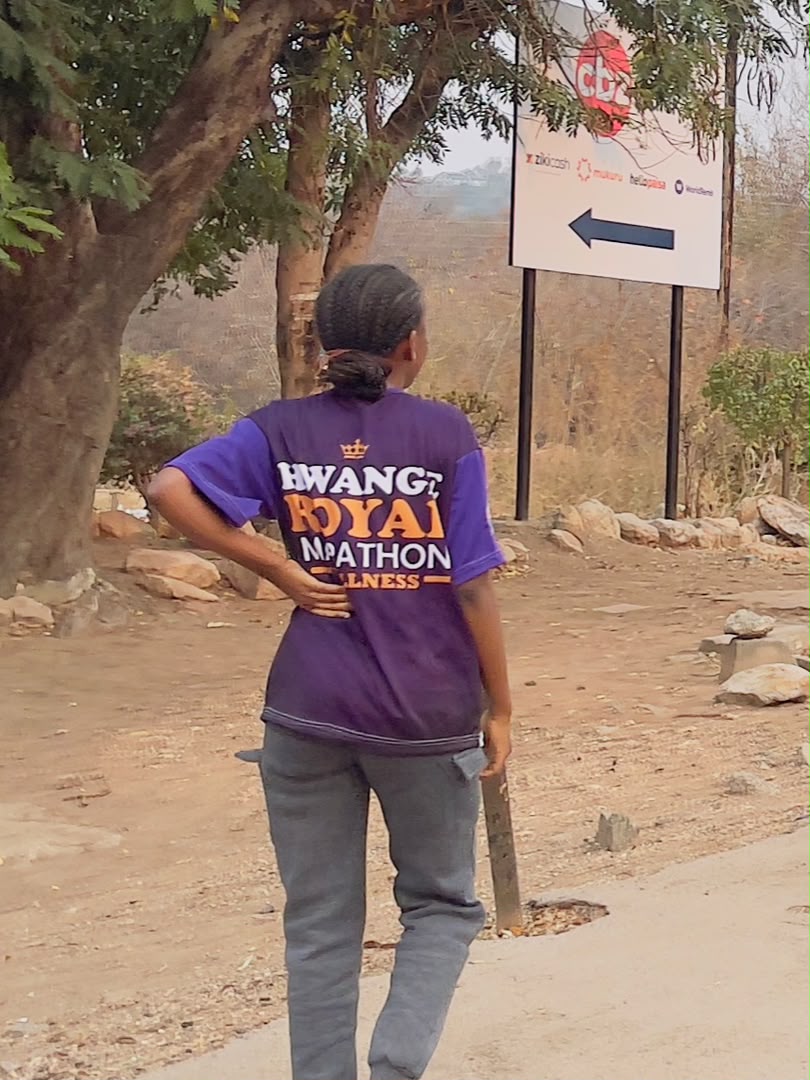
- T-shirt
- Race number
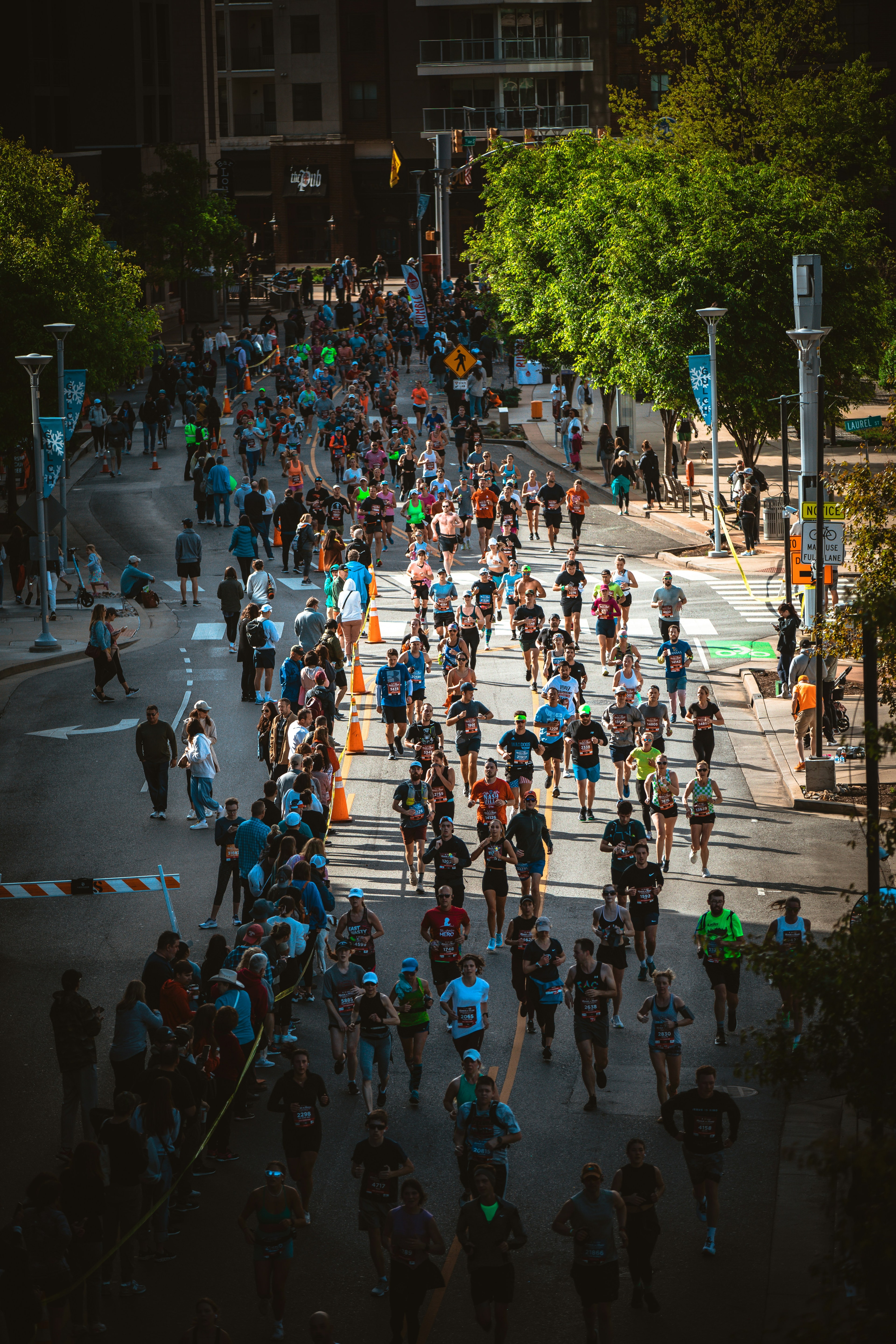
Open to families, first-timers, and walk-joggers. Finish together at any pace.
All ages
Royalty in motion. Victory over addiction
"It is for freedom that Christ has set us free." - Galatians 5 vs 1
About
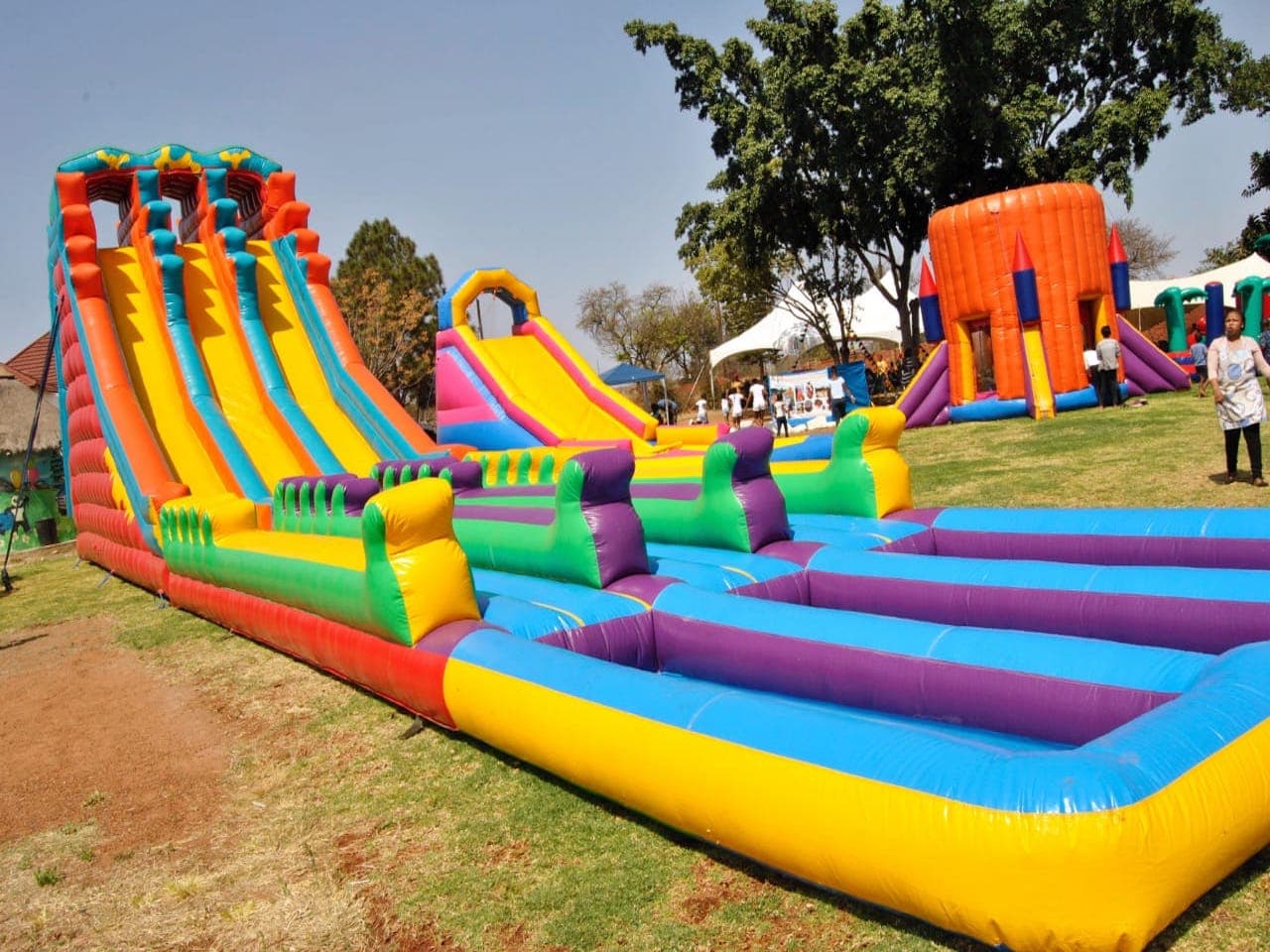
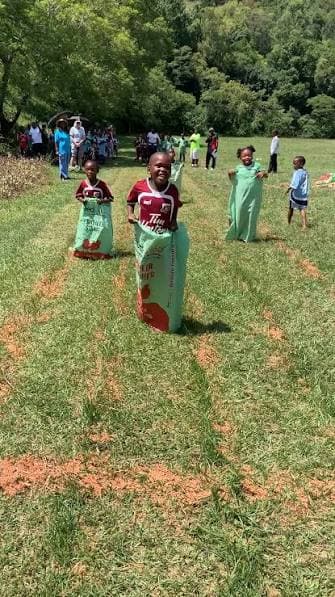
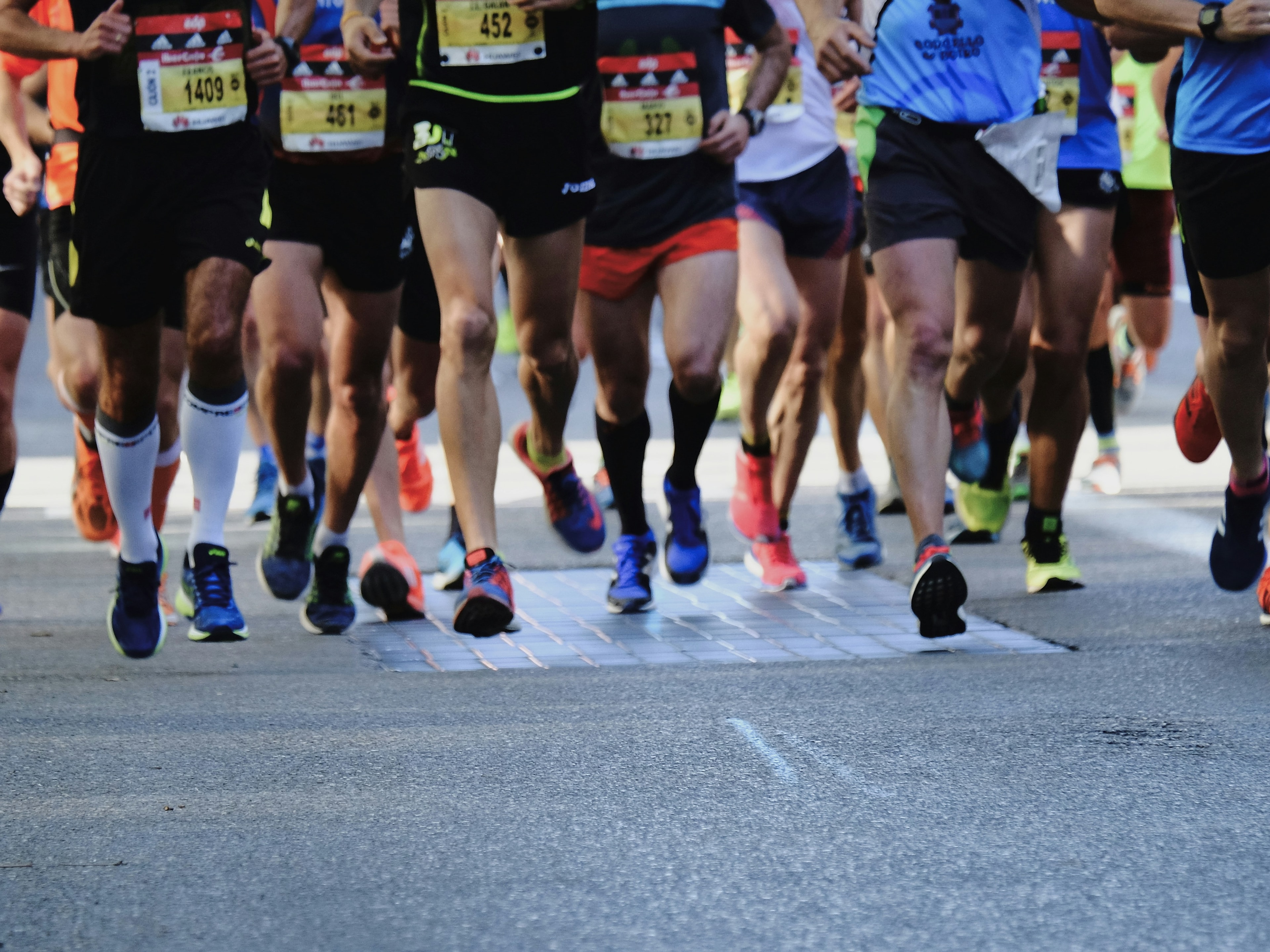
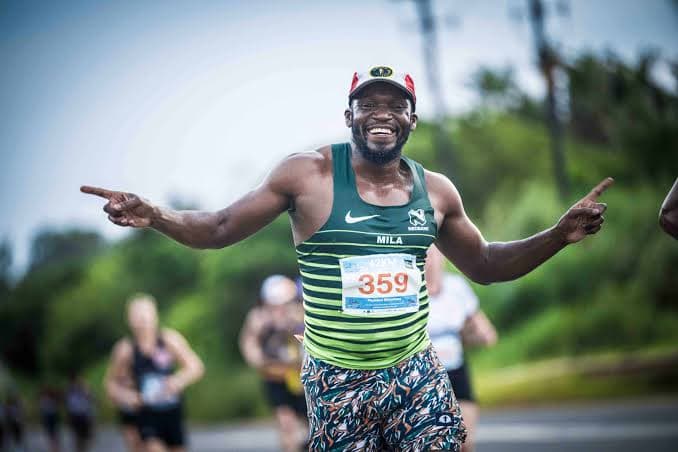
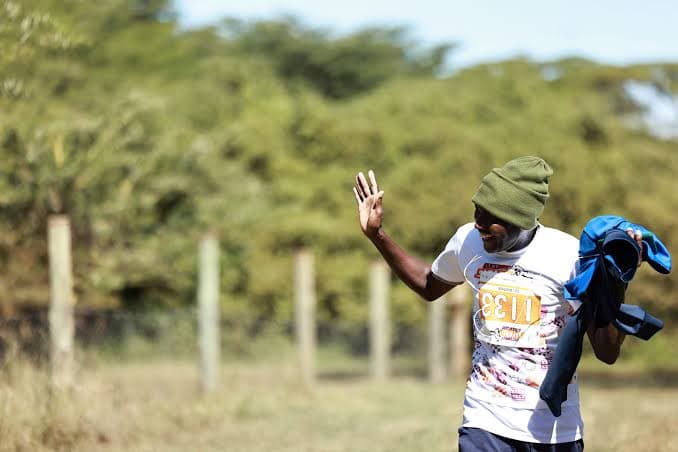
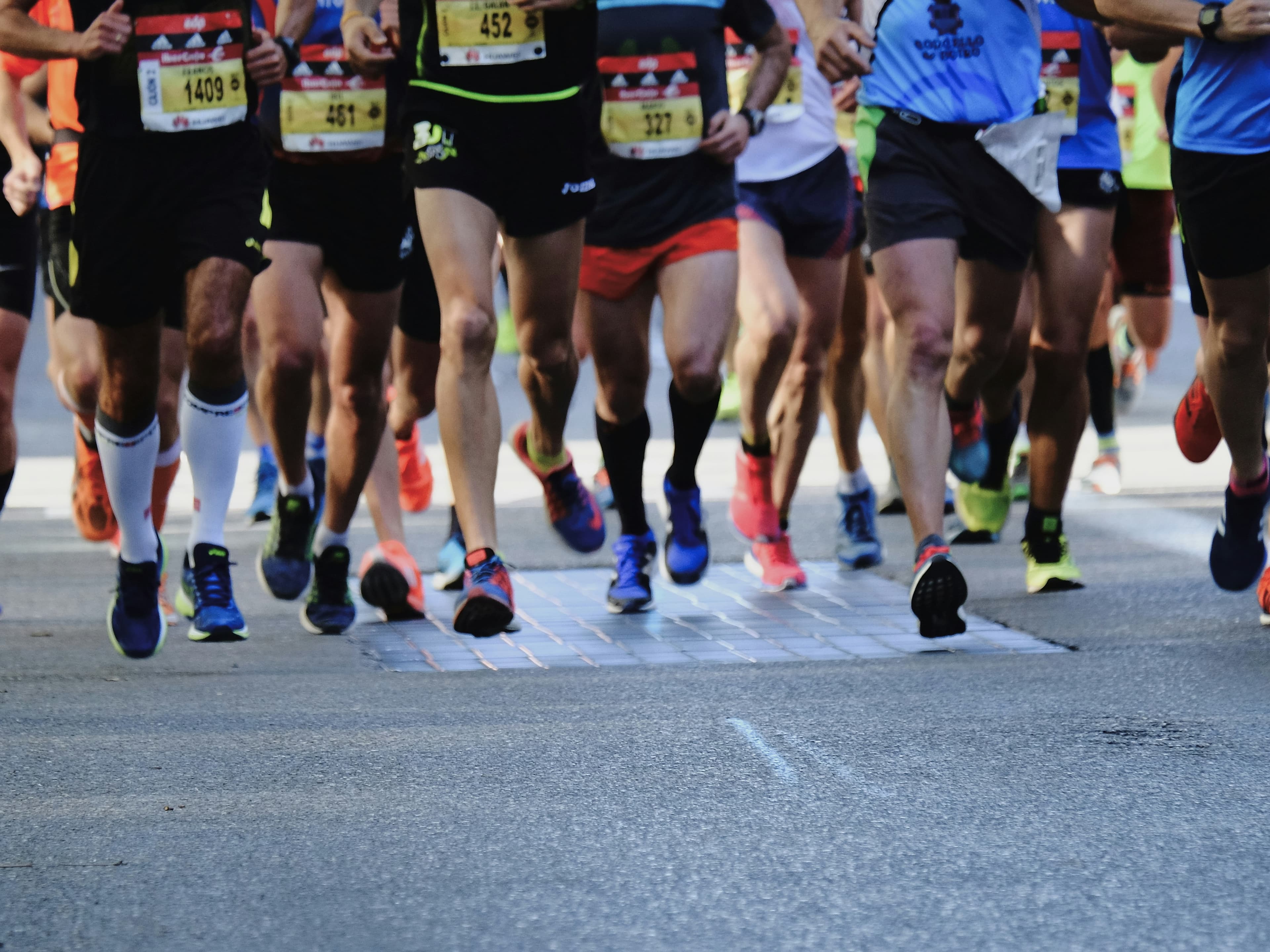
HWANGE ROYAL MARATHON gathers at Megawatt Primary for a day of faith, health, and family. Choose a 5KM Fun Run, 10KM Race, or 21KM Half Marathon — then stay for chess, jumping castles, a sack race, and kids activities on race day.
21KM10KM5KM
Organised by
Kingdom Gospel Ministries International
Theme scripture
It is for freedom that Christ has set us free.
Royalty in Motion
Victory over Addiction
Race info
Swipe · 1 of 3
How it works
01
Choose your distance
Pick the category that matches your training and race-day goals.
02
Complete registration
Enter your details online. You’ll get a unique reference number by email.
03
Show up race ready
Bring your reference number and follow race-day instructions from the team.
Day activities
These are on-the-day activities at Megawatt Primary — they are not part of online race registration. Pay on race day at the activity desks.
Swipe · 1 of 4
Payments
5KM5KM Fun Run
$10
10KM10KM Race
$15
21KM21KM Half Marathon
$20
EcoCash merchant
*151*2*7*025581*AMT#
Replace AMT with your package amount before you send.
Register online first to receive your reference number. Use that number when making payment so we can match your entry.
Payment instructions and banking details are confirmed by the organising team. Reach out via Contacts if you need support after registering.